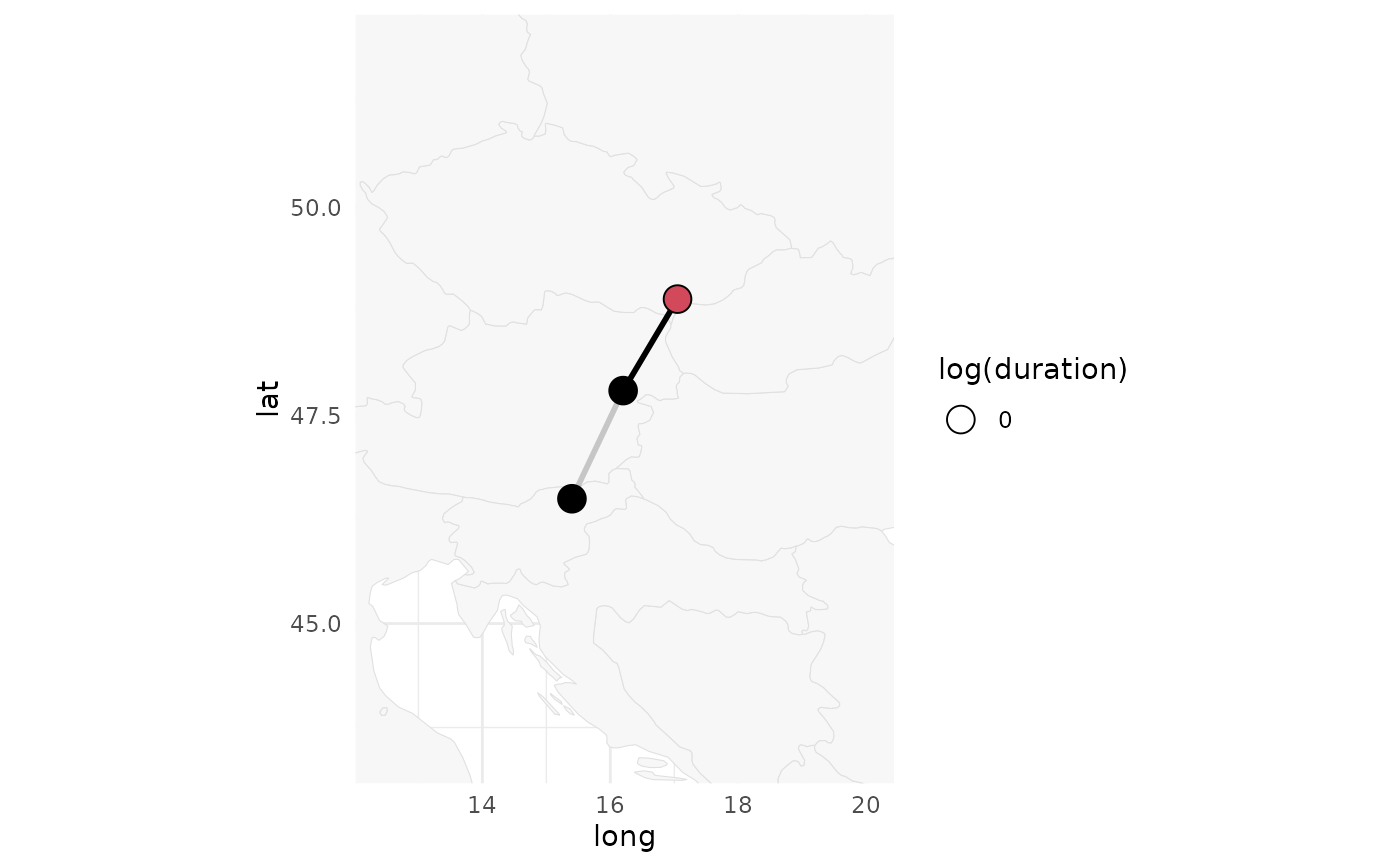
This function plots a path data.frame. This function is used in plot.map().
Usage
plot_path(
  path,
  plot_leaflet = TRUE,
  map = NULL,
  provider = NULL,
  provider_options = leaflet::providerTileOptions(),
  pad = 3,
  polyline = NULL,
  circle = NULL,
  group = NULL
)
Arguments
- path
a GeoPressureR
pathdata.frame.- plot_leaflet
logical defining if the plot is an interactive
leafletmap or a static basic plot.- map
optional
mapobject to plot the path on top of.- provider
optional tile provider name (see
leaflet::providers). WhenNULL, uses all available GeoPressureR basemap layers; see the Basemap API keys section.- provider_options
tile options. See leaflet::addProviderTiles() and leaflet::providerTileOptions().
- pad
padding of the map in degree lat-lon (only for
plot_leaflet = FALSE).- polyline
list of parameters passed to
leaflet::addPolylines()- circle
list of parameters passed to
leaflet::addCircleMarkers()- group
optional Leaflet overlay group name. When supplied, all trajectories in
pathcan be shown or hidden together while retaining separate line geometries for eachj.
Basemap API keys
Interactive maps always offer Esri basemaps (gray canvas, imagery and topographic). CARTO, Mapbox and MapTiler basemaps are added to the layer control only when their API key is stored in your system keyring. Get a key from each provider:
CARTO: "Get your API key" on CARTO Basemaps.
Mapbox: Access tokens page of your account (see Mapbox documentation).
MapTiler: API keys page of your MapTiler Cloud account (see MapTiler documentation).
Then store each key once:
keyring::key_set_with_value("CARTO_API_KEY", password = "<your CARTO API key>")
keyring::key_set_with_value("MAPBOX_ACCESS_TOKEN", password = "<your Mapbox token>")
keyring::key_set_with_value("MAPTILER_API_KEY", password = "<your MapTiler API key>")
Mapbox access tokens are visible in the browser when a map is rendered. Use a public, read-only token rather than a secret token.
See also
Other path:
path2edge(),
path2elevation(),
path2twilight(),
tag2path()
Examples
withr::with_dir(system.file("extdata", package = "GeoPressureR"), {
tag <- tag_create("18LX", quiet = TRUE) |>
tag_label(quiet = TRUE)
})
path <- data.frame(
stap_id = 1:4,
lon = c(17.05, 16.2, NA, 15.4),
lat = c(48.9, 47.8, NA, 46.5),
known_lon = c(17.05, NA, NA, NA),
known_lat = c(48.9, NA, NA, NA),
start = as.POSIXct(
c("2018-01-01", "2018-01-03", "2018-01-05", "2018-01-07"),
tz = "UTC"
),
end = as.POSIXct(
c("2018-01-02", "2018-01-04", "2018-01-06", "2018-01-08"),
tz = "UTC"
)
)
plot_path(path)
plot_path(path, plot_leaflet = FALSE)